Live in your helpdesk in 3 days, not 3 months.
No dedicated AI team. No integration project. Connect your tools, train the agent on your knowledge base, and go live. Most teams are handling their first autonomous resolution within 72 hours of signup.
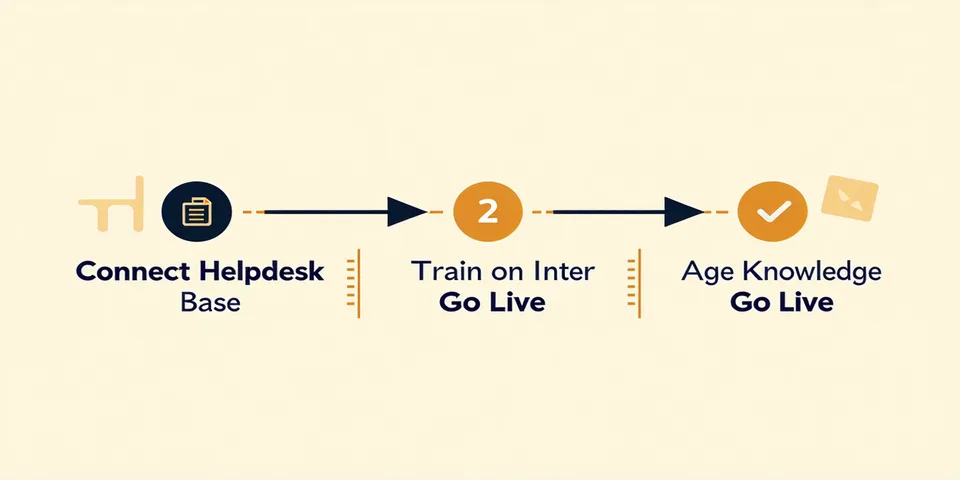
Connect your helpdesk
OAuth to Zendesk, Intercom, or Freshdesk. No API keys to copy, no webhook configs to debug. Two-minute setup that gives the agent read-write access to your ticket queue — scoped to exactly the actions you allow.
Supported: Zendesk Support, Intercom Inbox, Freshdesk, Salesforce Service Cloud. Helpdesk not listed? Talk to us.
Train on your knowledge base
Point Resolvemark at your Notion workspace, Confluence space, or Zendesk Help Center. The RAG pipeline ingests your docs overnight, builds semantic indexes, and learns your product's specific terminology and policies.
Supported sources: Notion, Confluence, Zendesk Guide, Intercom Articles, custom URL crawl. New source added monthly.
Configure your guardrails
Use the policy builder to define exactly what agents can do: which ticket types, dollar limits for refunds, escalation triggers, and which customer segments get agent-only vs. human review. Start conservative and expand over time as FCR data builds confidence.
Agents go live
Flip the switch. Agents begin processing new tickets in your queue immediately. Your team sees agent activity in their normal Zendesk or Intercom view — resolved tickets appear with an "auto-resolved" tag and full action log.
Most customers see their first autonomous resolution within 2-4 hours of going live.
Review and improve
After each week, review your FCR dashboard: which categories resolve well, which escalate more than expected, which knowledge base gaps caused low-confidence decisions. Tighten policies, add docs, expand agent scope — a continuous improvement loop.
Common setup questions.
Start your 14-day free trial.
Connect your helpdesk today. First autonomous resolution within 72 hours. No card required.